Export all videos of a course
Course administrators can list a download link for every recorded lecture of a course and download them one after another with a generated script. This is useful for archiving a course or moving it somewhere else.
List the downloads
On the Admin page's sidebar, navigate to:
Courses > 'Term' > 'Your Course' - Settings
At the bottom of the page you will find the Export videos section.
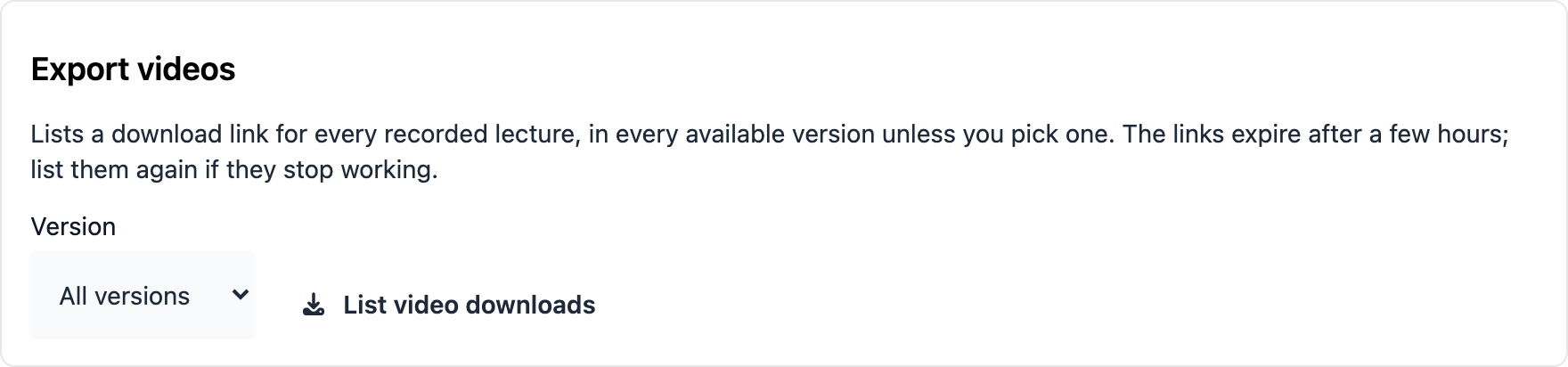
- Pick the Version. All versions is the default and lists every version a lecture has (combined, presentation and camera). Pick a single version to list only that one.
- Click List video downloads.
The list shows one file per lecture and version. The file names contain the course, the
lecture name, the date and the version, for example
godev_VL-1-Intro-to-Go_2022-02-19_COMB.mp4. If two lectures would get the same name,
the second one gets its lecture ID added (…_COMB_29.mp4). Lectures without a recording,
and versions a lecture does not have, are left out.
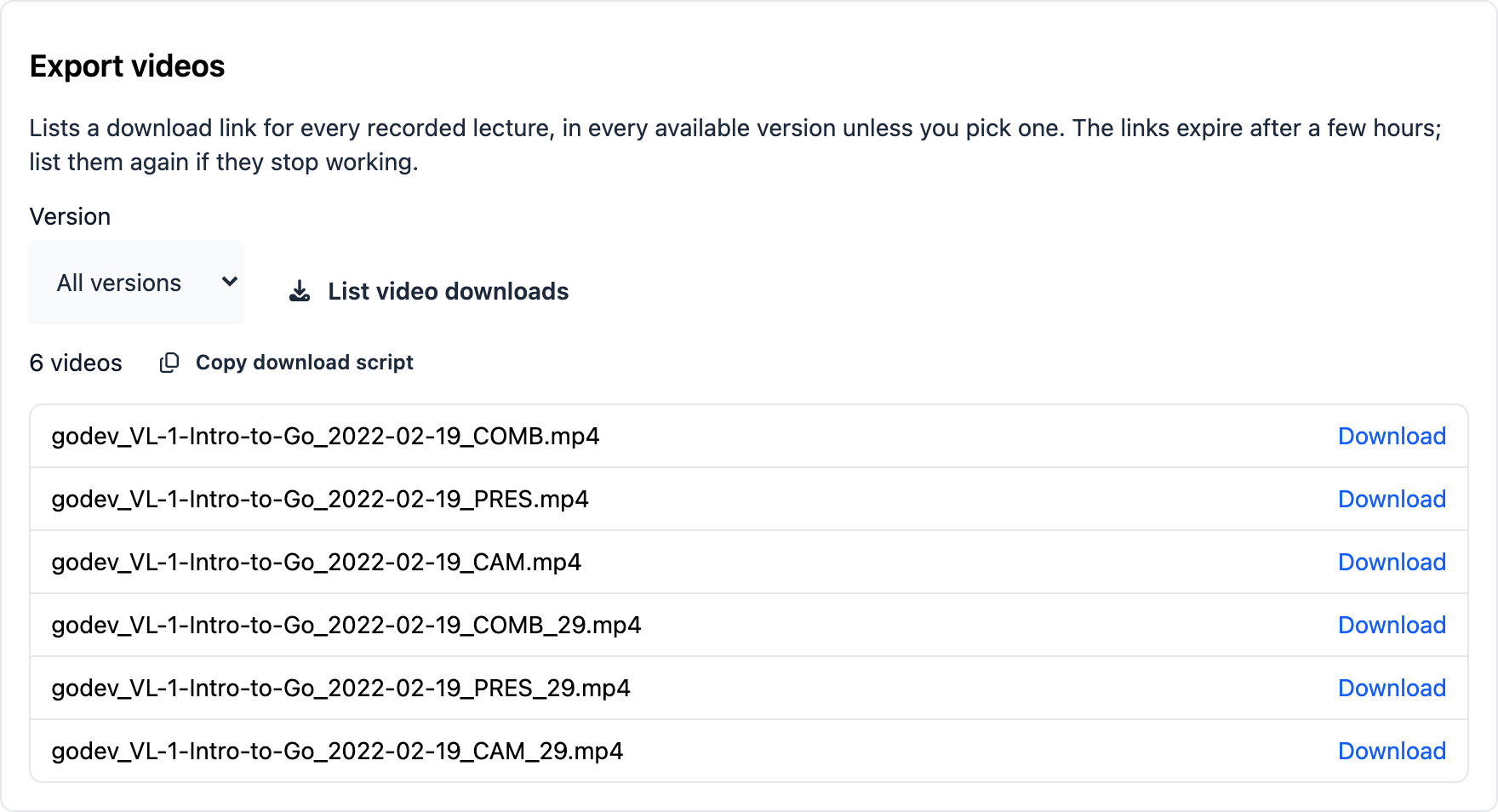
The links expire after a few hours. If they stop working, click List video downloads again.
Download a single video
Click Download next to a file. The browser starts the download after a short preparation time: the server first builds the complete file, so nothing happens for a few seconds on long lectures.
The server prepares only a few downloads at a time. If it is busy, a notice asks you to try again in a minute; just click Download again.
Download everything with a script
To download the whole course, click Copy download script and run it in a terminal in an empty folder:
# paste the script into a file, then
sh download.sh
The script requires curl and downloads the videos one at a time. It is safe to run it
again:
- Files that are already complete are skipped.
- A download that was interrupted continues where it stopped.
- If a single video fails, the script carries on with the others, lists the failed files at the end and exits with an error. Run it again to retry only those.
- If the server is busy,
curlwaits and retries on its own.
If the links in the script have expired, list the downloads again and copy a fresh script. Files you already downloaded are not downloaded twice.